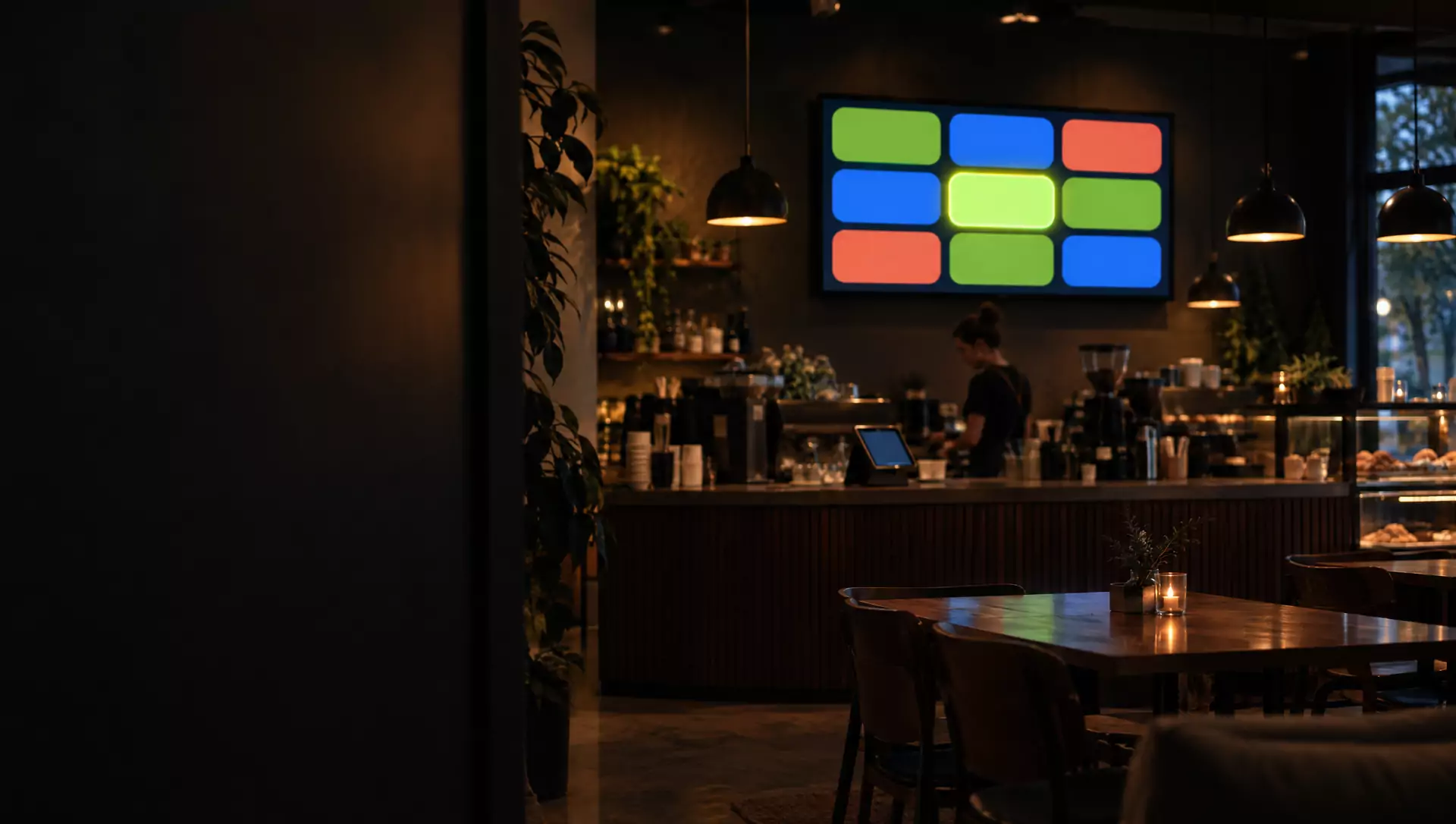
Trigger
- Tap on a tablet
- QR scan from a phone
- Schedule
- Change in your system
- Equipment signal
Interactive screens & devices platform
Exposa connects displays, tablets and phones to each other, to your data and to your team. Tap here, see it there, and let your processes run themselves, from a single screen to an entire organization.
The shift
They show something, and nobody can do anything with them. Exposa screens react to people, collect data and notify your team.
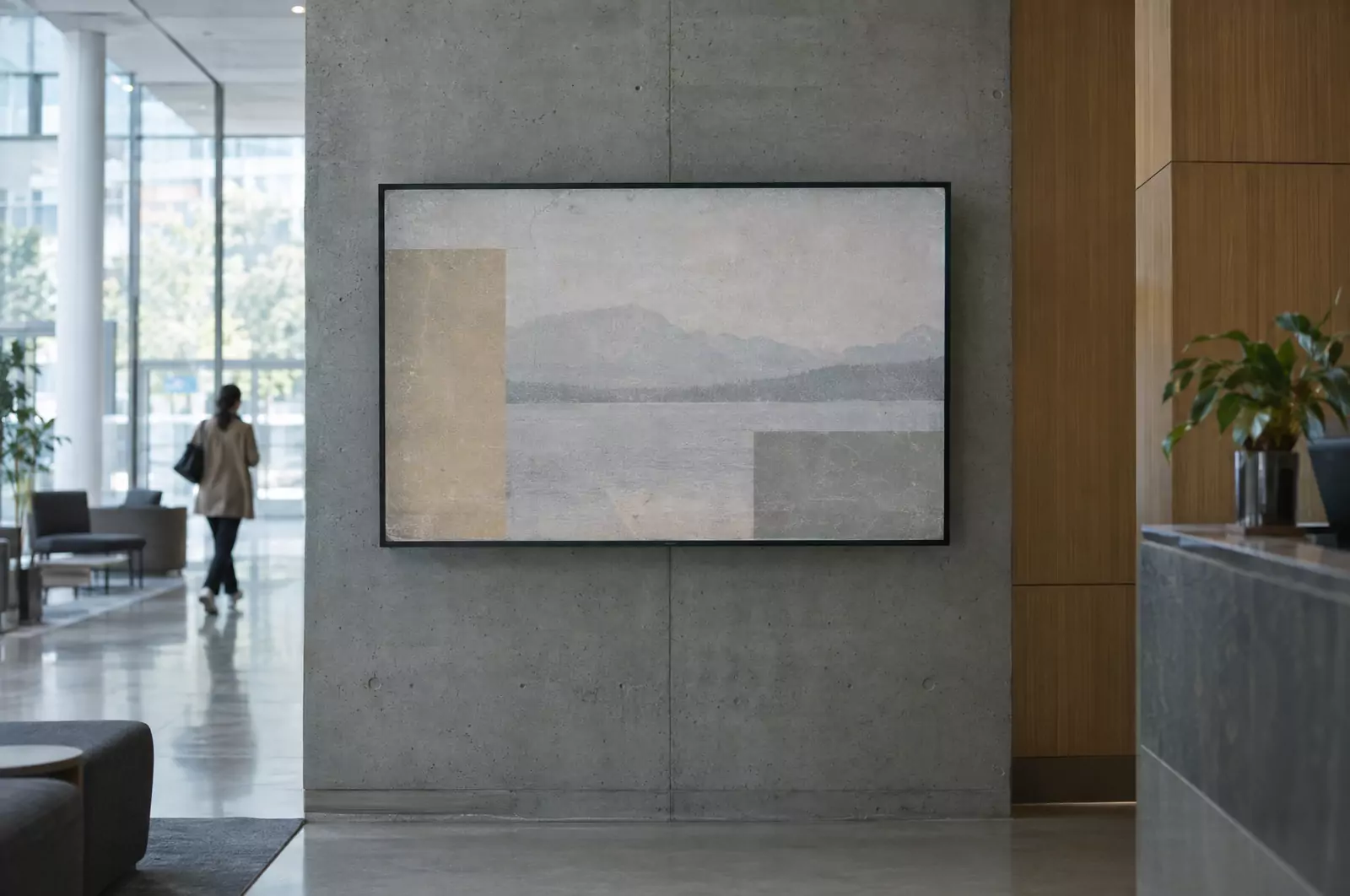
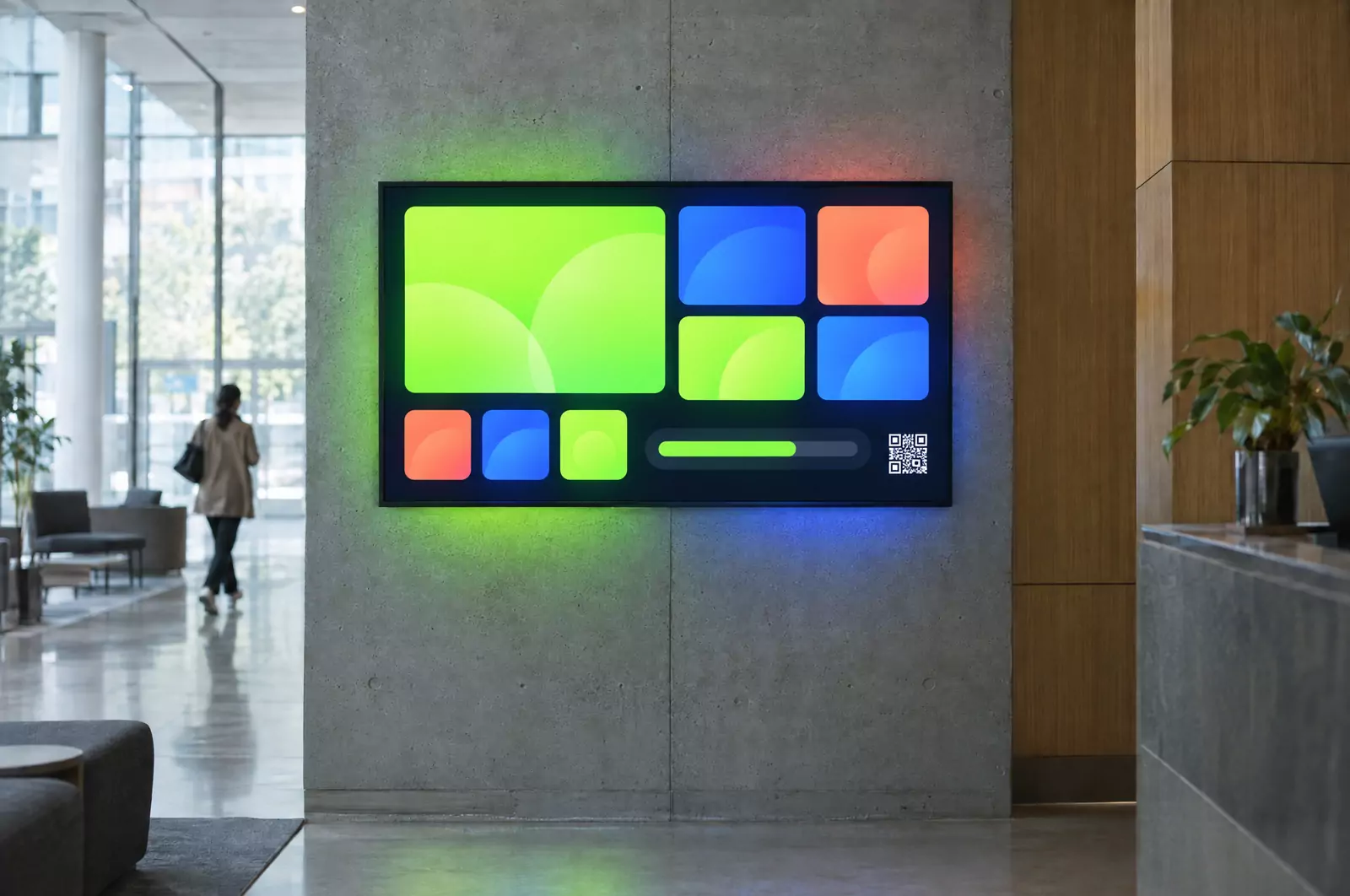
A tap, a scan or an event changes the screen instantly.
Answers, check-ins, votes and reports are saved to your data.
Screens, devices, databases and messengers work as one system.
Start small. Grow without limits.
01Level 1
A TV in your office, café or reception shows live information: news, weather, announcements, promos, schedules and social feeds. You manage it from a visual editor, and it updates instantly without anyone touching the TV.
02Level 2
Pair a screen with a staff tablet, a kiosk or your visitors’ own phones. People act and the screen reacts: queues, order-ready boards, check-ins, live polls, game scores.
03Level 3
Dozens or hundreds of screens and devices across floors, sites and cities, linked to your databases, systems and messengers. Events are saved, alerts reach the right people, and headquarters and branches each manage their own part. This is where screens start running processes.
How it works
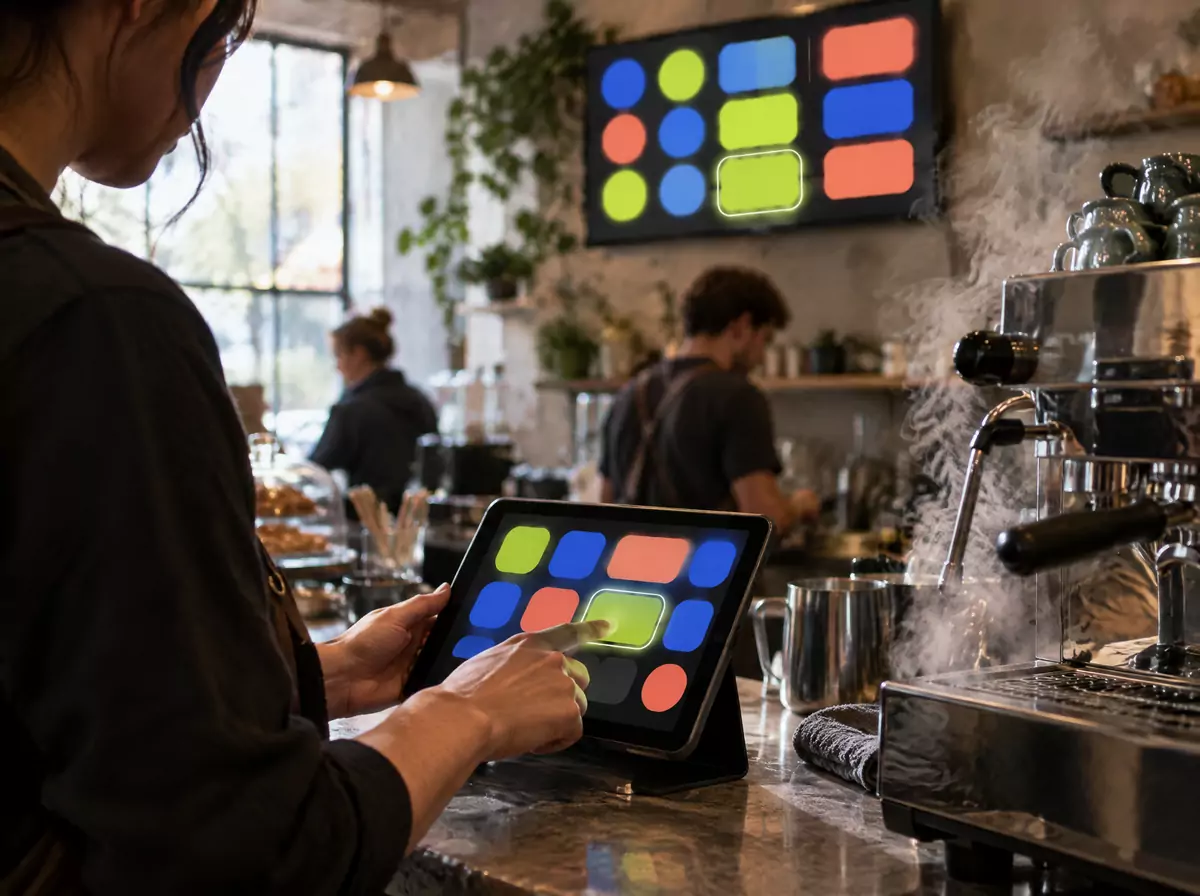
Barista taps “Ready” → order #42 appears on the hall screen.
Cases
Devices
What happens
Barista taps “Ready” on the tablet.
The order number lights up on the hall screen.
A sold-out item vanishes from the menu screen with one tap, and the menu switches itself from breakfast to lunch.
No shouting numbers, no selling what’s gone.
Devices
What happens
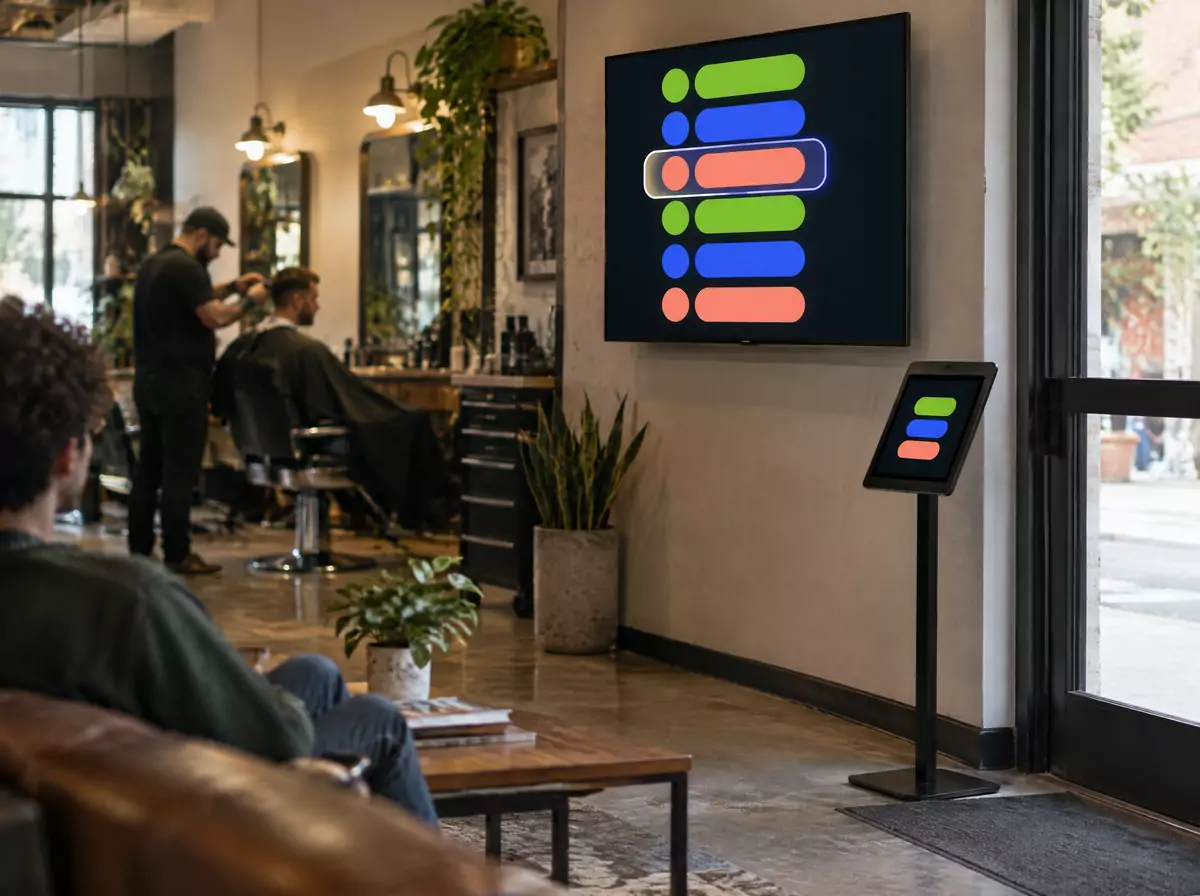
A client checks in on the entrance tablet.
The queue screen shows “Next: Anna → chair 2” and the master gets a Telegram message.
After the visit, a review QR appears.
A calm waiting area and more reviews.
Devices
What happens
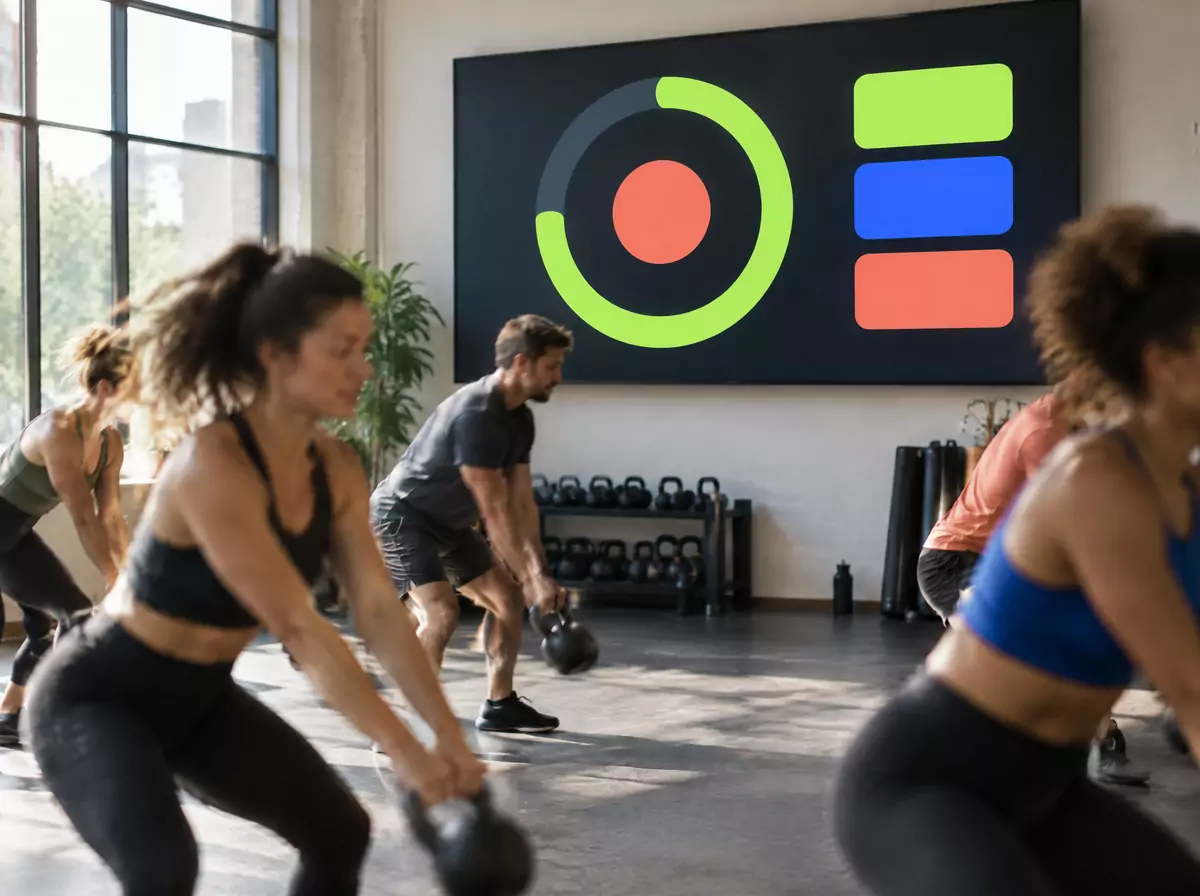
The coach starts an interval workout on the tablet.
The hall TV shows a huge timer, the round and the next exercise.
The lobby screen shows today’s classes and free spots.
The coach coaches, not watches a stopwatch.
Devices
What happens
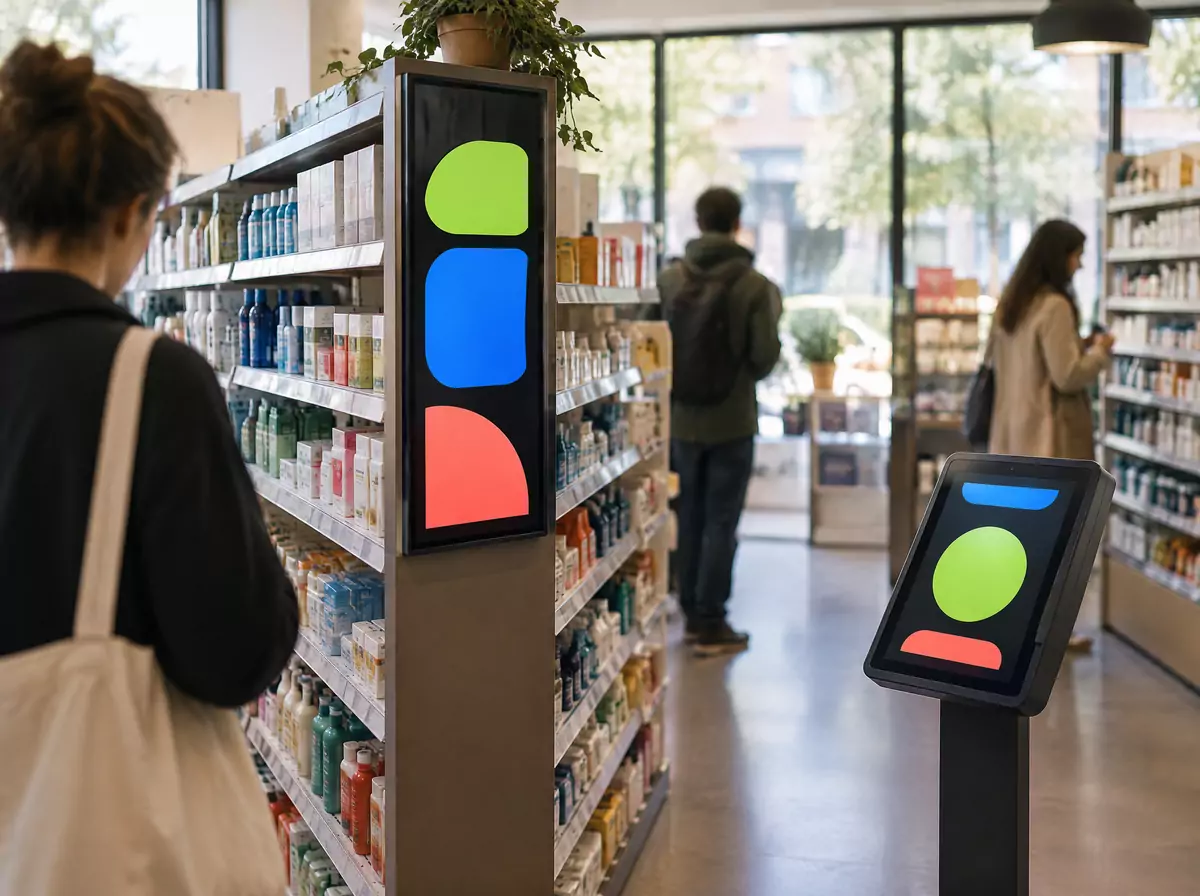
A customer presses “Call a consultant” on the kiosk.
Staff get “Help needed at aisle 3” in their chat.
Promo screens show only what’s in stock.
Faster service and honest promos.
Devices
What happens
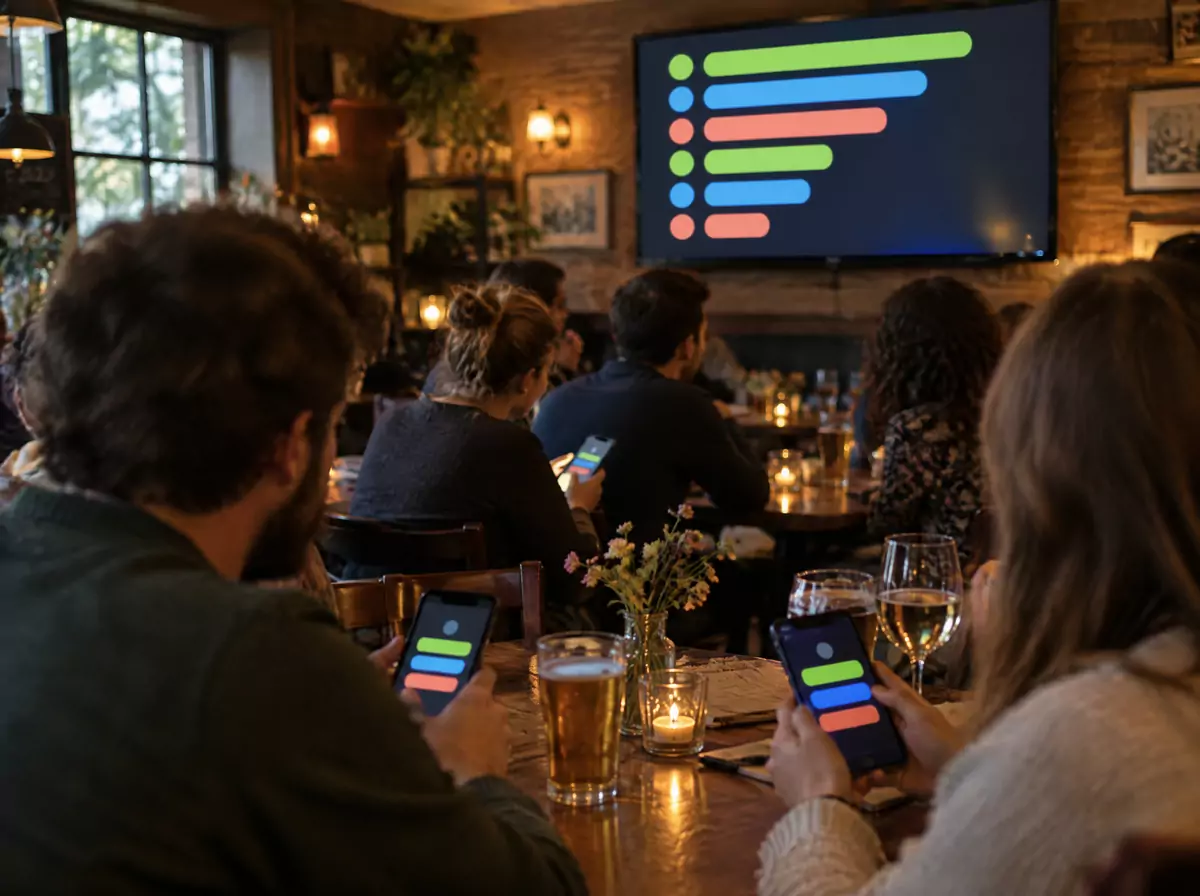
Teams scan a QR and answer from their phones.
The host reveals the answer from the tablet.
The leaderboard on every TV reshuffles live.
A polished show with no paper and no manual counting.
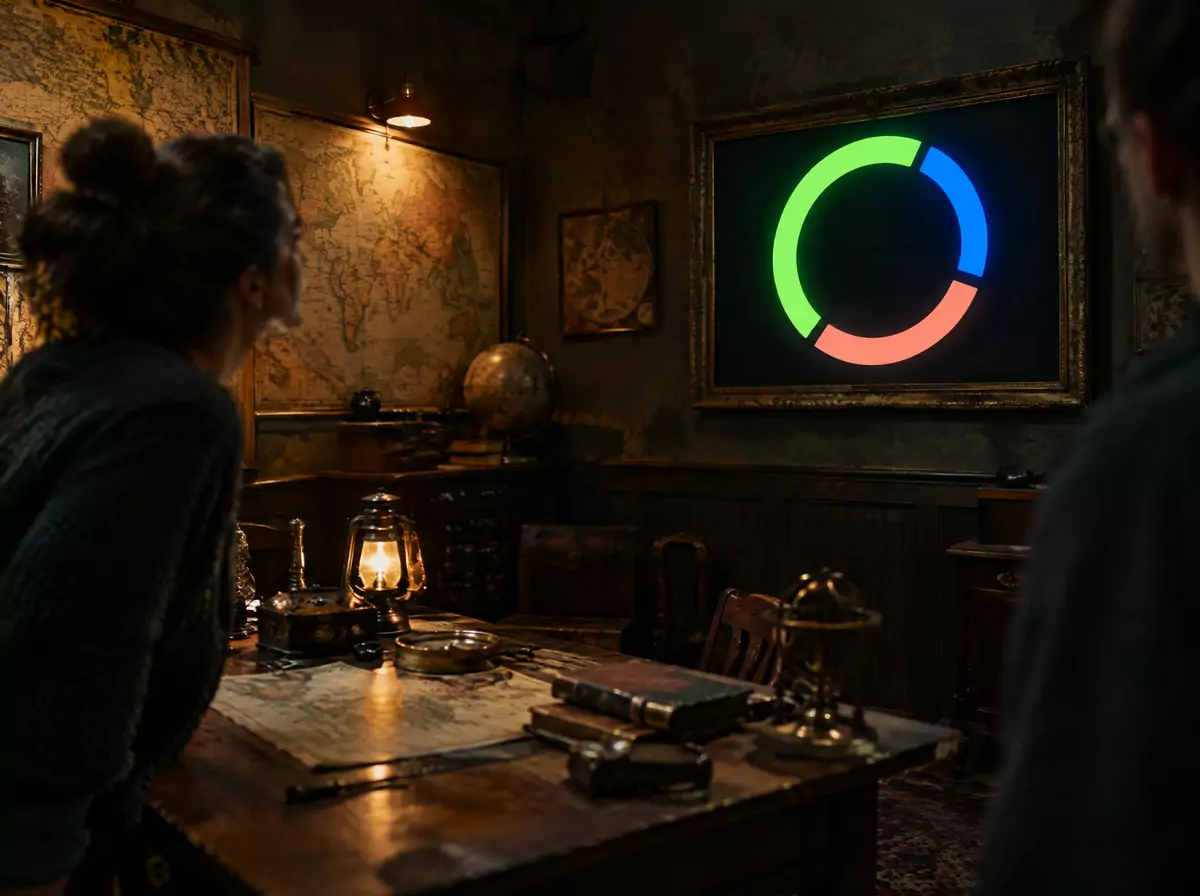
Devices
What happens
The game master sends a hint or triggers an effect from the tablet.
It appears on the room screen with the countdown.
The team’s time lands on the hall leaderboard.
Deeper immersion, controlled from one tablet.
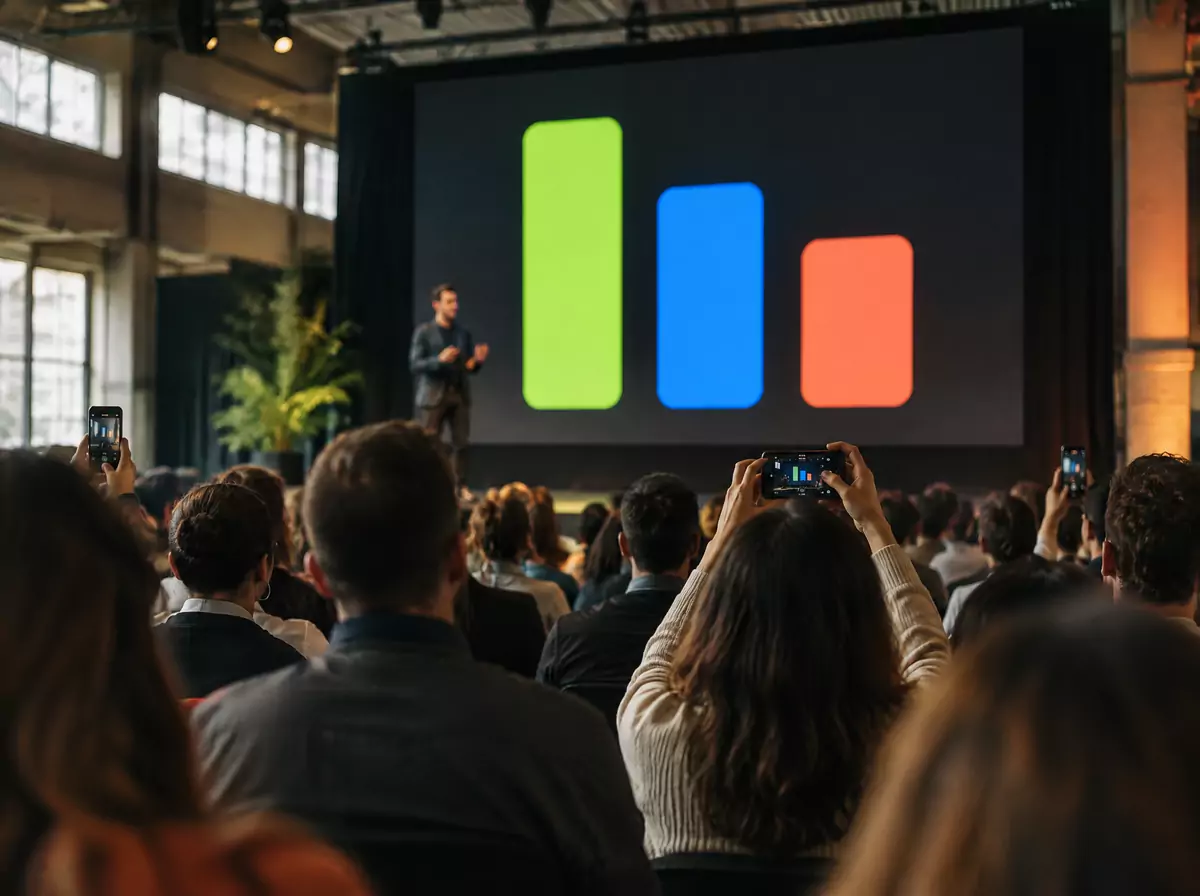
Devices
What happens
Attendees vote and ask questions from their phones.
The moderator approves, and the results appear on the stage screen.
One tap pushes an announcement to every screen in the venue.
An engaged audience and instant updates.
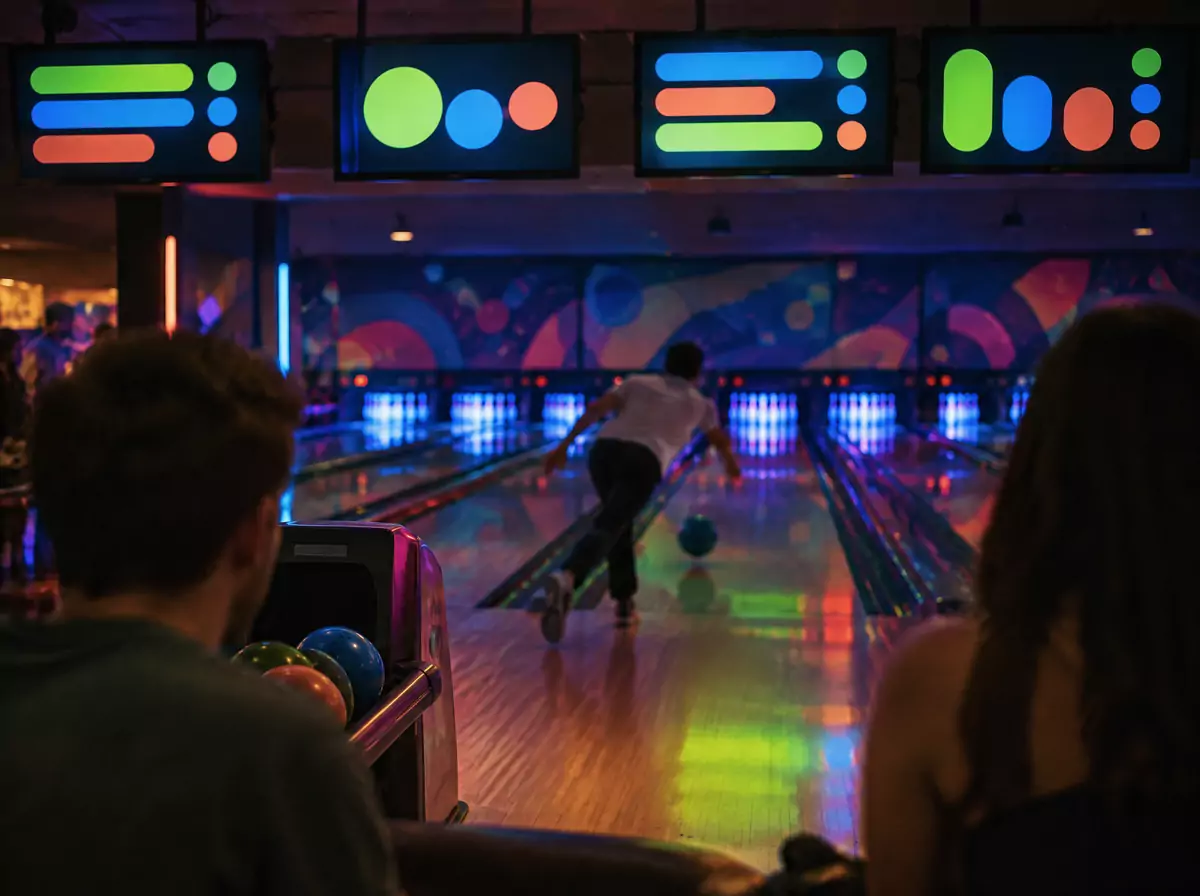
Devices
What happens
Scores and lap times appear as they happen.
Guests send greetings and photos from their phones.
Staff approve on the tablet, and they appear on the photo wall.
Shareable moments and a branded experience.
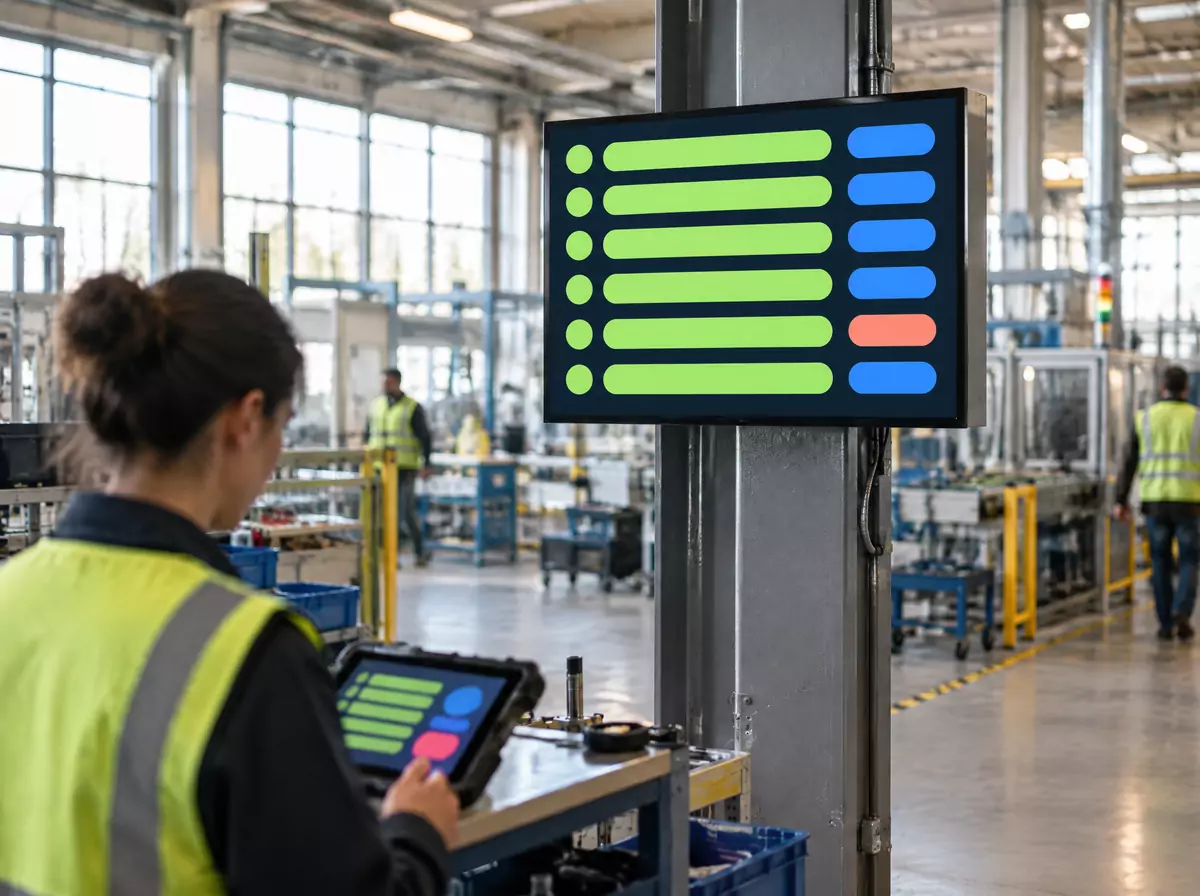
Devices
What happens
An operator taps “Stoppage” at the workstation.
Line 3 turns red on the floor display, the shift supervisor gets a Telegram alert, and the downtime is logged for reports.
Plan vs. actual output runs on every floor screen.
Problems are seen in seconds, not at the end of the shift.
Devices
What happens
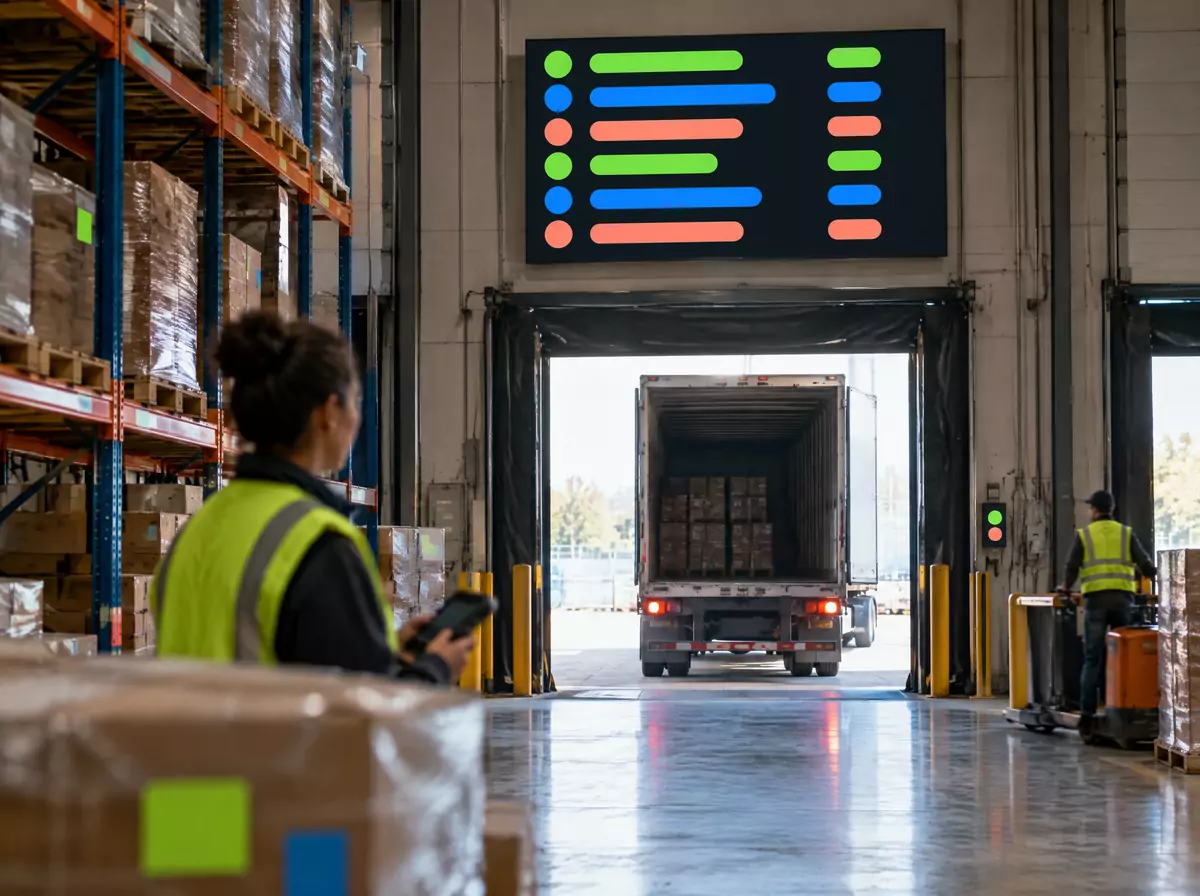
A driver checks in at the gate kiosk.
The dock screen assigns “Truck 42 → Dock 5”.
Pickers’ tablets update order status, and the board shows progress.
Fewer calls and shorter waiting.
Devices
What happens
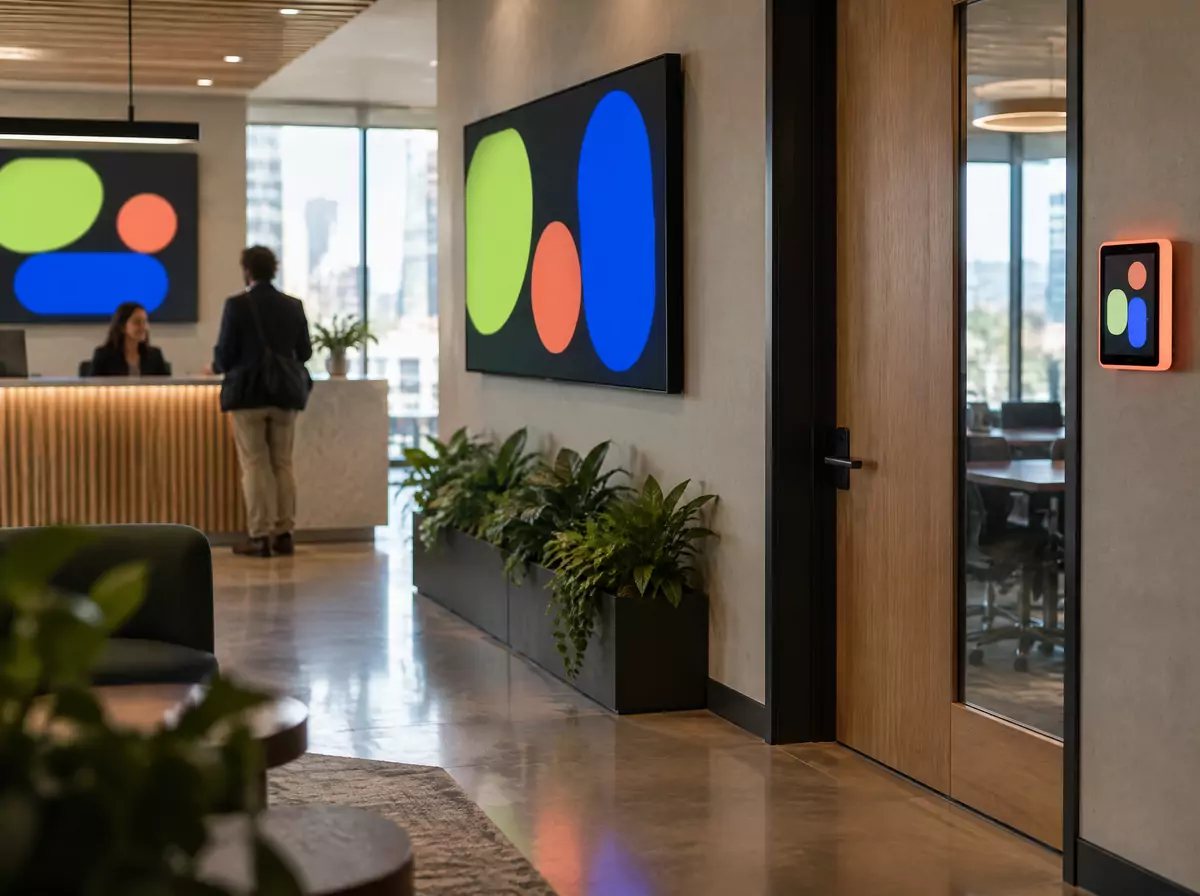
Book a room on the door tablet.
It shows “Busy until 15:30” there and on the lobby map.
A visitor checks in and the host gets a message; KPIs and news rotate on every floor.
No double bookings, communication that reaches people.
Devices
What happens
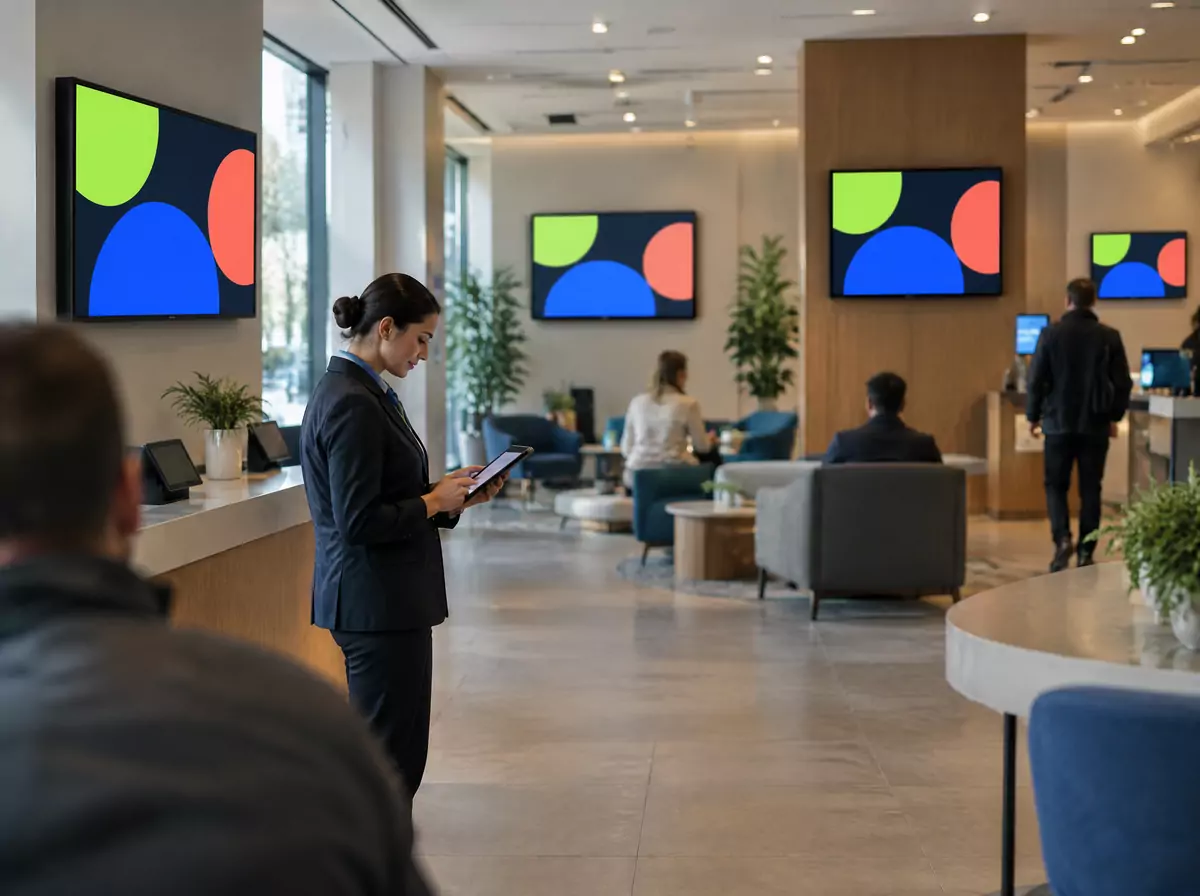
A “days without incidents” counter runs on every screen, and shift briefings are acknowledged on tablets and logged.
One action sends an emergency alert to every screen in the company.
Headquarters publishes to hundreds of branches, and each branch manages its own screens.
Everyone reached instantly, consistent brand, local control.
Platform
Build layouts in your browser and see exactly what the TV will show, live.
Forms, games, queues, leaderboards, dashboards, booking panels. We build any widget your task needs.
Clock, weather, news, ticker, Instagram, QR codes, images, video, web pages.
Tablets, kiosks and visitors’ phones control and feed your screens.
We connect databases, spreadsheets, CRM, ERP and your internal systems, both reading and writing.
Telegram, WhatsApp, email: the right people learn about events instantly.
Every change reaches every screen instantly, with no reloads.
Headquarters manages the network, and each branch manages its own screens.
Custom development
If it can be described as “someone does something → something should happen on a screen, in a database or in a messenger”, we build it. Exposa is a platform and a team that builds and runs the system with you.
we learn your process, people and systems.
a working version on your real screens, fast.
installation, setup and team onboarding.
we add screens, devices, widgets and integrations as you grow.
Reliability
Works on your existing screens with an inexpensive TV stick.
Smooth on low-power hardware, with no one needing to touch the screen.
Change content from anywhere, and it appears everywhere at once.
Credentials stay on the server, each organization’s data is isolated, and access is role-based.
One screen or a hundred, a simple board or a full interactive system. Let’s discuss your project.
LLC «ESM BY» · UNP 491323927
Technopark «Coral», Lepeshinskogo 9B, office 5, Gomel 246015, Republic of Belarus